 Backtickle
Compare · Updated
Backtickle vs Obsidian
Obsidian is built for a linked vault of notes; Backtickle opens any Markdown file, in any flavor, and is open source.
Short answer: Obsidian is a knowledge base: a vault of linked notes with backlinks, a graph, thousands of plugins
and mobile apps. Backtickle is a Markdown editor and reader: it opens any .md file the way it is meant to be read,
whether it came from Obsidian, GitHub, Pandoc or Quarto. Choose Backtickle if you mostly open and write individual
documents and want an open-source app; choose Obsidian for a connected second brain.
At a glance
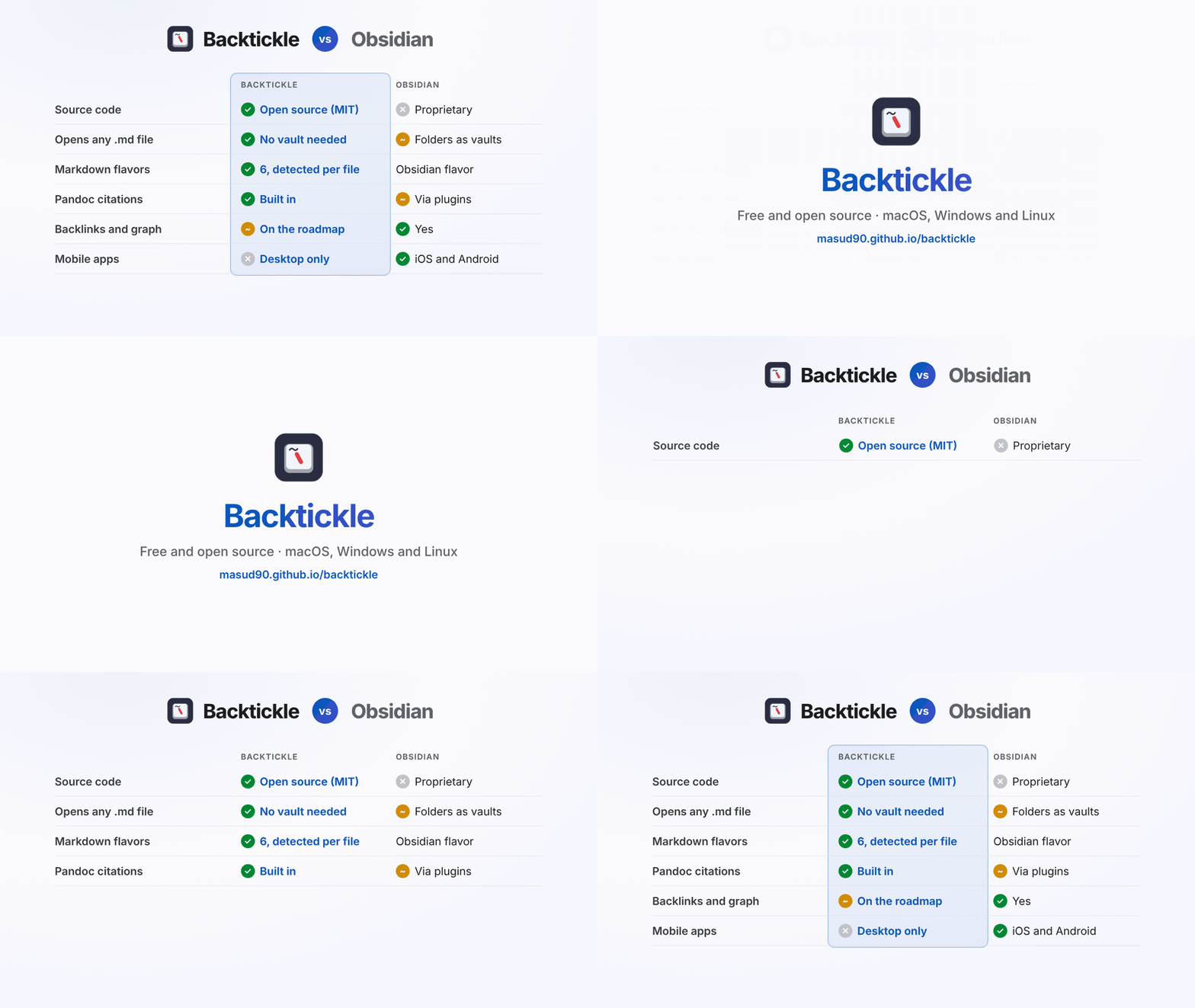
| Backtickle | Obsidian | |
|---|---|---|
| Price | Free | Free; Sync $4/month, Publish $8/month, optional commercial license |
| Source code | Open source, MIT License | Proprietary |
| Platforms | macOS 14+, Windows 10 and 11, Linux | macOS, Windows, Linux, iOS, Android |
| Opens | Any .md file or folder, no setup | Folders opened as vaults |
| Markdown flavors | CommonMark, GFM, Obsidian, Pandoc / MultiMarkdown, Quarto / R Markdown, MDX, detected per file | Obsidian Flavored Markdown |
| Editing | Editor, Split and Preview views | Live Preview, Source mode, Reading view |
| Linking | Renders wikilinks and embeds; backlinks are on the roadmap | Backlinks, graph view, link updates on rename |
| Citations | Pandoc citations and bibliographies built in | Through community plugins |
| Export | HTML, PDF, print, Word (through Pandoc), Render with Quarto | PDF; more through plugins |
| Extensions | None | Thousands of community plugins |
Obsidian details from obsidian.md, its pricing and license pages, checked October 2026.
Where Backtickle is the better choice
- Open any file, right away. Double-click a README, a paper or a note and it opens. No vault, no
.obsidianfolder written next to your files. - Every flavor, not just one. GitHub READMEs, Pandoc papers with citations, Quarto documents with cross-references and tabsets, and MDX all render with their own rules. Obsidian notes still get their callouts, wikilinks and embeds.
- Open source. The whole app is MIT-licensed and on GitHub.
- Export for other people. PDF, HTML and Word (through Pandoc) are built in, and Quarto documents can be sent to Render with Quarto.
- Nothing runs. No plugins, no code in documents, and no network requests of its own besides an update check you can turn off.
Where Obsidian is the better choice
- A linked knowledge base. Backlinks, the graph view,
[[autocomplete and link updates on rename are Obsidian's core. Backtickle's linking features are on the roadmap. - Plugins and customization. Obsidian's plugin and theme ecosystem is huge.
- Phone and tablet. Obsidian has iOS and Android apps and an optional Sync service. Backtickle is desktop only.
Using both
Many people keep Obsidian for their notes and use Backtickle for everything else: READMEs, documents from colleagues, Pandoc or Quarto papers, and exporting a note to PDF or Word. Open your vault folder in Backtickle with Open Folder; it reads the same files and leaves Obsidian's settings alone.
Questions
Is Backtickle an alternative to Obsidian?
For reading and writing Markdown files, yes: Backtickle is a free, open-source desktop app that opens any .md file or folder without creating a vault, and it renders Obsidian callouts, wikilinks, embeds and properties. For a linked knowledge base with backlinks, a graph, plugins and mobile apps, Obsidian is the better tool.
Is Obsidian open source?
No. Obsidian is free to use but proprietary. Backtickle is open source under the MIT License.
Can I use Backtickle and Obsidian together?
Yes. Both work on plain Markdown files, so you can open an Obsidian vault folder in Backtickle to read a note, export it to PDF or Word, or view it in another flavor, and keep using Obsidian for linking.
Does Backtickle render Obsidian Markdown?
Yes. Backtickle detects Obsidian-flavored Markdown and renders wikilinks, embeds, callouts and properties, as well as math and Mermaid diagrams.
More comparisons
- Backtickle vs Typora: Typora costs $14.99 and is closed source; Backtickle is free, open source and reads six Markdown flavors.
- Backtickle vs MarkText: Both are free and MIT-licensed; Backtickle adds Pandoc, Quarto and Obsidian flavors, citations, a split view and Word export.
- Backtickle vs iA Writer: iA Writer is a paid, focused writing app; Backtickle is a free, open-source Markdown editor and reader that also runs on Linux.
- Backtickle vs Zettlr: Zettlr is a research workbench with Zotero and a bundled Pandoc; Backtickle is a lighter reader and editor for every Markdown flavor.
- Backtickle vs MacDown: MacDown has not been updated since 2020 and needs Rosetta; Backtickle is a maintained, free split-view editor that runs natively on Apple silicon.
- Backtickle vs ghostwriter: ghostwriter is a distraction-free KDE editor that leans on Pandoc; Backtickle has math and diagrams built in and ships for macOS too.
- Backtickle vs Marked: Marked is a paid, Mac-only previewer for files written elsewhere; Backtickle previews and edits, for free, on three platforms.