 Backtickle
Compare · Updated
Backtickle vs MacDown
MacDown has not been updated since 2020 and needs Rosetta; Backtickle is a maintained, free split-view editor that runs natively on Apple silicon.
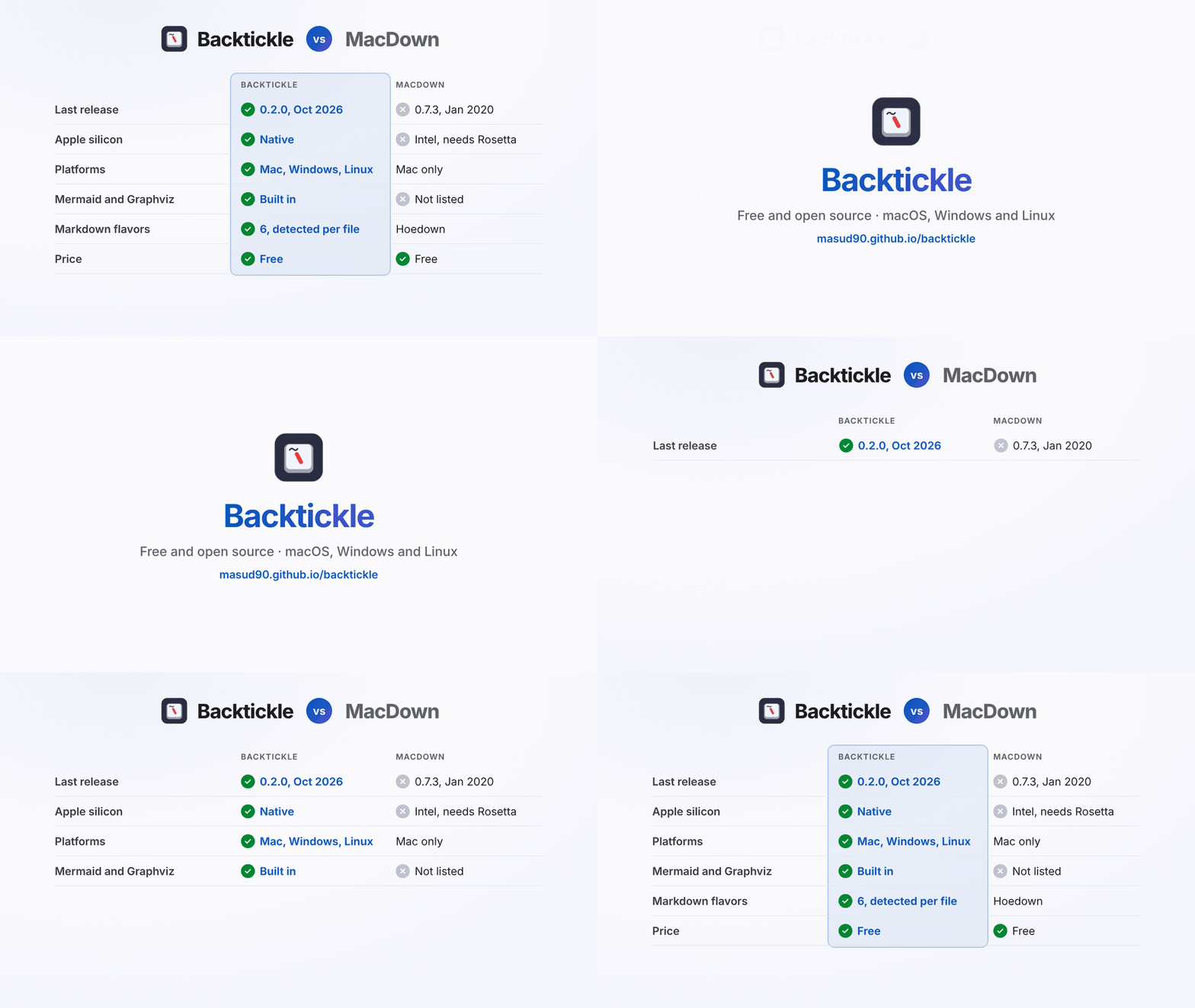
Short answer: MacDown was the go-to free split-view Markdown editor for the Mac, but its last stable release was in January 2020, it is Intel-only, and its Homebrew cask is disabled. Backtickle keeps what people liked about MacDown (free, open source, source on the left and the result on the right) and runs natively on Apple silicon, with current Markdown support and builds for Windows and Linux.
At a glance
| Backtickle | MacDown | |
|---|---|---|
| Price | Free | Free |
| Source code | Open source, MIT License | Open source, MIT License |
| Last release | 0.2.0, October 2026 | 0.7.3, January 2020 |
| Apple silicon | Native (universal build) | Intel-only, needs Rosetta 2 |
| Platforms | macOS 14+, Windows 10 and 11, Linux | macOS only |
| Editing | Editor, Split and Preview views with synced scrolling | Split source and preview |
| Markdown flavors | CommonMark, GFM, Obsidian, Pandoc / MultiMarkdown, Quarto / R Markdown, MDX | Hoedown with optional extensions |
| Math | KaTeX | TeX-style math |
| Diagrams | Mermaid and Graphviz | Not listed |
| Export | HTML, PDF, print, Word (through Pandoc), Render with Quarto | HTML, PDF |
MacDown details from macdown.uranusjr.com, its GitHub repository and the Homebrew cask, checked October 2026.
Why switch from MacDown
- It keeps working. Backtickle is a universal macOS app, so the end of Rosetta does not affect it.
- Modern Markdown. GitHub alerts and task lists, footnotes, Mermaid and Graphviz diagrams, Obsidian callouts, Pandoc citations and Quarto documents.
- The same split view, improved. Synced scrolling, a document outline, and task boxes you can tick in the preview.
- Safe by design. The preview is sanitized under a strict content security policy, and the app's only network request of its own is a daily update check you can turn off.
Where MacDown still fits
- Older Macs. MacDown runs on old macOS versions; Backtickle needs macOS 14 Sonoma or later.
Switching from MacDown
- Download Backtickle (the DMG is universal).
- Open your files or folders; they are plain Markdown and need no conversion.
- Pick the Split view for MacDown's layout. Preferences can make Backtickle the default app for
.mdfiles.
Questions
What is the best replacement for MacDown?
Backtickle is a free, open-source Markdown editor with the same split view, source on the left and the rendered document on the right, that runs natively on Apple silicon and Intel Macs as well as Windows and Linux. MacDown's last stable release was 0.7.3 in January 2020.
Does MacDown work on Apple silicon Macs?
Only through Rosetta 2, because MacDown is Intel-only. Apple has said macOS 27 is the last version with general Rosetta support, so Intel-only apps like MacDown are expected to stop launching on Apple silicon Macs with macOS 28.
Is Backtickle free like MacDown?
Yes. Both are free and MIT-licensed. Backtickle is actively developed, with releases in 2026.
More comparisons
- Backtickle vs Typora: Typora costs $14.99 and is closed source; Backtickle is free, open source and reads six Markdown flavors.
- Backtickle vs Obsidian: Obsidian is built for a linked vault of notes; Backtickle opens any Markdown file, in any flavor, and is open source.
- Backtickle vs MarkText: Both are free and MIT-licensed; Backtickle adds Pandoc, Quarto and Obsidian flavors, citations, a split view and Word export.
- Backtickle vs iA Writer: iA Writer is a paid, focused writing app; Backtickle is a free, open-source Markdown editor and reader that also runs on Linux.
- Backtickle vs Zettlr: Zettlr is a research workbench with Zotero and a bundled Pandoc; Backtickle is a lighter reader and editor for every Markdown flavor.
- Backtickle vs ghostwriter: ghostwriter is a distraction-free KDE editor that leans on Pandoc; Backtickle has math and diagrams built in and ships for macOS too.
- Backtickle vs Marked: Marked is a paid, Mac-only previewer for files written elsewhere; Backtickle previews and edits, for free, on three platforms.