 Backtickle
Compare · Updated
Backtickle vs MarkText
Both are free and MIT-licensed; Backtickle adds Pandoc, Quarto and Obsidian flavors, citations, a split view and Word export.
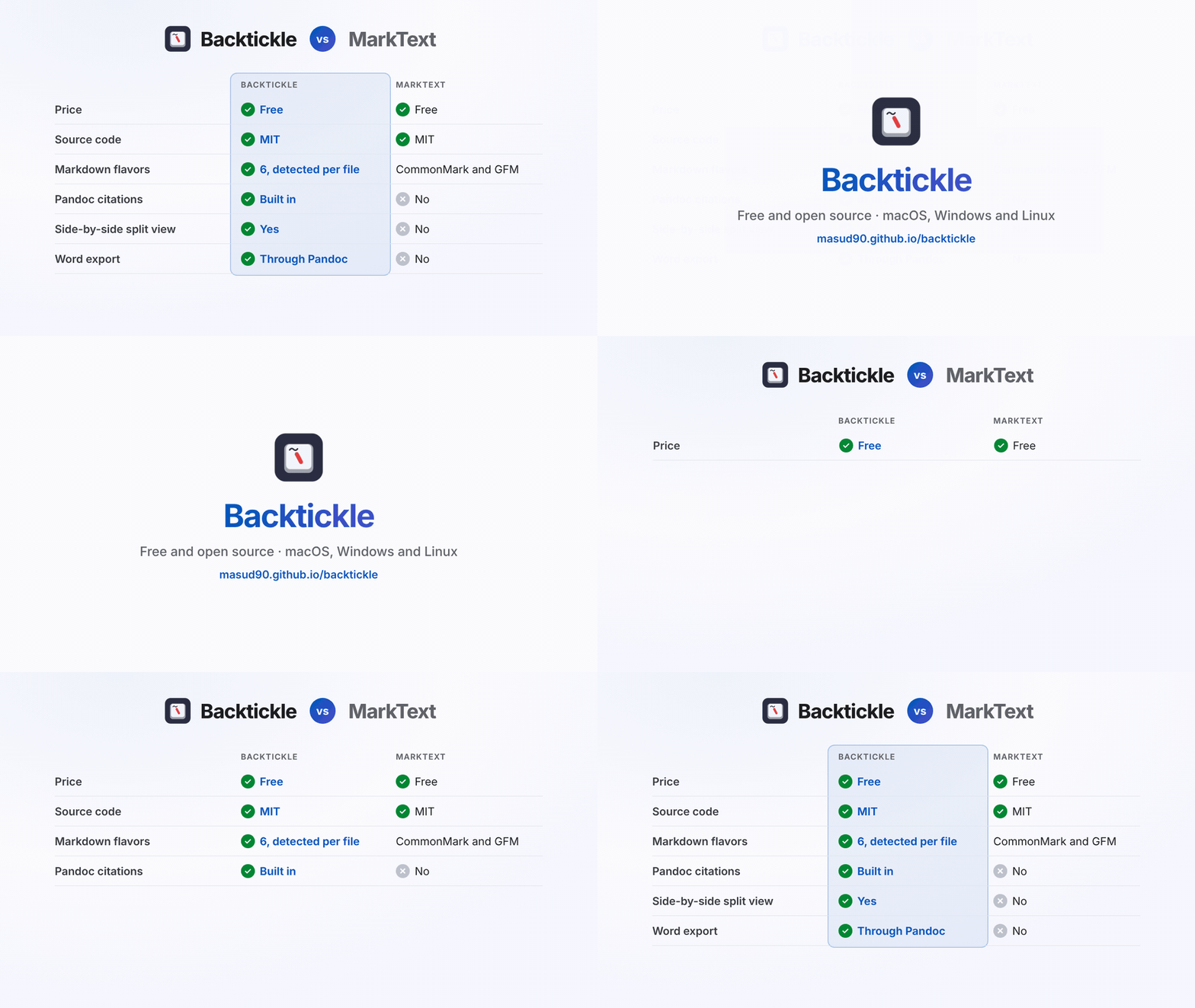
Short answer: MarkText and Backtickle are both free, MIT-licensed desktop Markdown apps for macOS, Windows and Linux. MarkText is a Typora-style seamless editor for GitHub-flavored Markdown. Backtickle is an editor and reader that understands six Markdown flavors, with citations, Graphviz, a side-by-side split view and Word export, which makes it the stronger pick for technical, academic and mixed-source documents.
At a glance
| Backtickle | MarkText | |
|---|---|---|
| Price | Free | Free |
| Source code | Open source, MIT License | Open source, MIT License |
| Platforms | macOS 14+, Windows 10 and 11, Linux | macOS 11+, Windows 10 and 11, Linux |
| Editing | Editor, Split and Preview views, Live Preview in the editor | Seamless live rendering, Source, Focus and Typewriter modes |
| Markdown flavors | CommonMark, GFM, Obsidian, Pandoc / MultiMarkdown, Quarto / R Markdown, MDX, detected per file | CommonMark and GFM |
| Math | KaTeX | KaTeX |
| Diagrams | Mermaid and Graphviz | Mermaid, Vega and Vega-Lite |
| Citations | Pandoc citations and bibliographies | No |
| Export | HTML, PDF, print, Word (through Pandoc), Render with Quarto | PDF, HTML |
| Built with | Tauri on the system web view | Electron |
MarkText details from marktext.me and its GitHub releases, checked October 2026.
Where Backtickle is the better choice
- More than GitHub Markdown. Pandoc papers, Quarto and R Markdown documents, Obsidian notes and MDX render with their own rules, detected per file.
- Academic and technical writing. Citations and bibliographies (BibTeX, CSL), Quarto cross-references and callouts, Graphviz, and an optional Exact Preview through Pandoc.
- Source and result side by side. The Split view, with synced scrolling and an outline.
- Word export. Through Pandoc, which Backtickle finds on its own if it is installed (RStudio's copy counts).
- Small and light. Backtickle uses the system web view through Tauri instead of bundling a browser.
Where MarkText is the better choice
- Seamless editing first. MarkText's one-pane rendering hides syntax as you type. Backtickle's in-place preview draws headings, emphasis, links and images so far, with tables and math still to come.
- Vega charts and Windows on ARM builds.
- Older Macs. MarkText runs on macOS 11; Backtickle needs macOS 14.
Switching from MarkText
Both apps save plain .md files, so there is nothing to convert. Install Backtickle, use Open Folder on your
notes, and choose the Editor, Split or Preview view per tab.
Questions
What is a good alternative to MarkText?
Backtickle is a free, open-source (MIT) Markdown editor and reader for macOS, Windows and Linux. Like MarkText it renders math and Mermaid diagrams; it also reads Pandoc, Quarto, Obsidian and MDX Markdown, renders citations, has a side-by-side split view, and exports to Word through Pandoc.
Is MarkText still maintained?
Yes. After no releases between March 2022 and May 2026, MarkText was revived in 2026 and has shipped several releases since, the latest being 0.22.0 in October 2026.
Are Backtickle and MarkText both free?
Yes. Both are free and open source under the MIT License, with builds for macOS, Windows and Linux.
More comparisons
- Backtickle vs Typora: Typora costs $14.99 and is closed source; Backtickle is free, open source and reads six Markdown flavors.
- Backtickle vs Obsidian: Obsidian is built for a linked vault of notes; Backtickle opens any Markdown file, in any flavor, and is open source.
- Backtickle vs iA Writer: iA Writer is a paid, focused writing app; Backtickle is a free, open-source Markdown editor and reader that also runs on Linux.
- Backtickle vs Zettlr: Zettlr is a research workbench with Zotero and a bundled Pandoc; Backtickle is a lighter reader and editor for every Markdown flavor.
- Backtickle vs MacDown: MacDown has not been updated since 2020 and needs Rosetta; Backtickle is a maintained, free split-view editor that runs natively on Apple silicon.
- Backtickle vs ghostwriter: ghostwriter is a distraction-free KDE editor that leans on Pandoc; Backtickle has math and diagrams built in and ships for macOS too.
- Backtickle vs Marked: Marked is a paid, Mac-only previewer for files written elsewhere; Backtickle previews and edits, for free, on three platforms.