 Backtickle
Compare · Updated
Backtickle vs ghostwriter
ghostwriter is a distraction-free KDE editor that leans on Pandoc; Backtickle has math and diagrams built in and ships for macOS too.
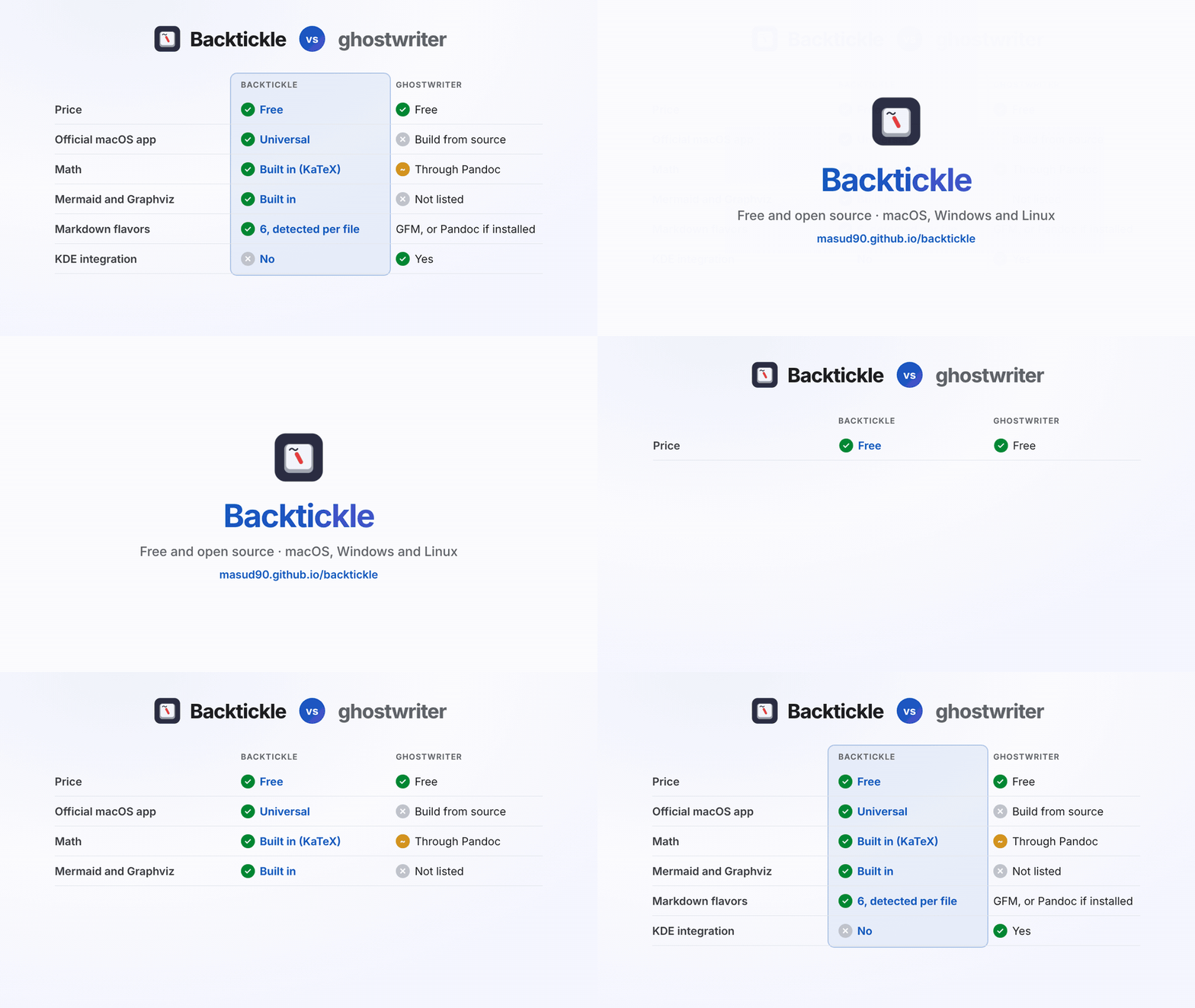
Short answer: ghostwriter is KDE's distraction-free Markdown editor: a calm source editor with an optional live HTML preview, at its best on Linux with Pandoc installed. Backtickle has math, diagrams and citations built in, reads six Markdown flavors, and has official installers for macOS, Windows and Linux alike.
At a glance
| Backtickle | ghostwriter | |
|---|---|---|
| Price | Free | Free |
| Source code | Open source, MIT License | Open source, GPL-3.0 |
| Platforms | macOS 14+ (universal), Windows 10 and 11, Linux (.deb, AppImage) | Linux packages, portable Windows build, no official macOS build |
| Editing | Editor, Split and Preview views | Source editor with optional live HTML preview |
| Markdown flavors | CommonMark, GFM, Obsidian, Pandoc / MultiMarkdown, Quarto / R Markdown, MDX, detected per file | cmark-gfm built in; Pandoc, MultiMarkdown and cmark if installed |
| Math | KaTeX, built in | MathJax, through Pandoc |
| Diagrams | Mermaid and Graphviz | Not listed |
| Citations | Pandoc citations and bibliographies, built in | Through Pandoc |
| Export | HTML, PDF, print, Word (through Pandoc), Render with Quarto | Through Pandoc, MultiMarkdown or cmark |
ghostwriter details from ghostwriter.kde.org and its download page, checked October 2026.
Where Backtickle is the better choice
- macOS. A universal macOS app (Apple silicon and Intel), plus Windows and Linux, all from one release.
- Batteries included. Math, Mermaid and Graphviz diagrams, Obsidian callouts and wikilinks, Quarto cross-references and citations render without installing anything.
- More flavors. Each document is rendered in its own flavor, detected for you.
- Files and search. A folder sidebar, folder search, Quick Open and a command palette.
Where ghostwriter is the better choice
- KDE and Linux integration. ghostwriter comes from KDE Gear and is in most distributions' repositories.
- Distraction-free writing. Its focus and Hemingway modes are designed for prose.
- Older or minimal systems. It is a Qt app with modest requirements.
Switching from ghostwriter
Open your Markdown folder in Backtickle with Open Folder. If you rely on Pandoc, Backtickle finds an installed Pandoc (or the one inside RStudio) for Word export and Exact Preview.
Questions
Is there a ghostwriter alternative for Mac?
Yes. ghostwriter has no official macOS build. Backtickle is a free, open-source Markdown editor and reader with a universal macOS app, plus Windows and Linux builds, and a similar source-and-preview layout.
Does Backtickle need Pandoc like ghostwriter?
No. Backtickle renders math (KaTeX), Mermaid and Graphviz diagrams, citations and six Markdown flavors without Pandoc. Pandoc is optional, for Word export and Exact Preview.
Are ghostwriter and Backtickle both free?
Yes. ghostwriter is GPL-3.0 and Backtickle is MIT-licensed; both are free.
More comparisons
- Backtickle vs Typora: Typora costs $14.99 and is closed source; Backtickle is free, open source and reads six Markdown flavors.
- Backtickle vs Obsidian: Obsidian is built for a linked vault of notes; Backtickle opens any Markdown file, in any flavor, and is open source.
- Backtickle vs MarkText: Both are free and MIT-licensed; Backtickle adds Pandoc, Quarto and Obsidian flavors, citations, a split view and Word export.
- Backtickle vs iA Writer: iA Writer is a paid, focused writing app; Backtickle is a free, open-source Markdown editor and reader that also runs on Linux.
- Backtickle vs Zettlr: Zettlr is a research workbench with Zotero and a bundled Pandoc; Backtickle is a lighter reader and editor for every Markdown flavor.
- Backtickle vs MacDown: MacDown has not been updated since 2020 and needs Rosetta; Backtickle is a maintained, free split-view editor that runs natively on Apple silicon.
- Backtickle vs Marked: Marked is a paid, Mac-only previewer for files written elsewhere; Backtickle previews and edits, for free, on three platforms.